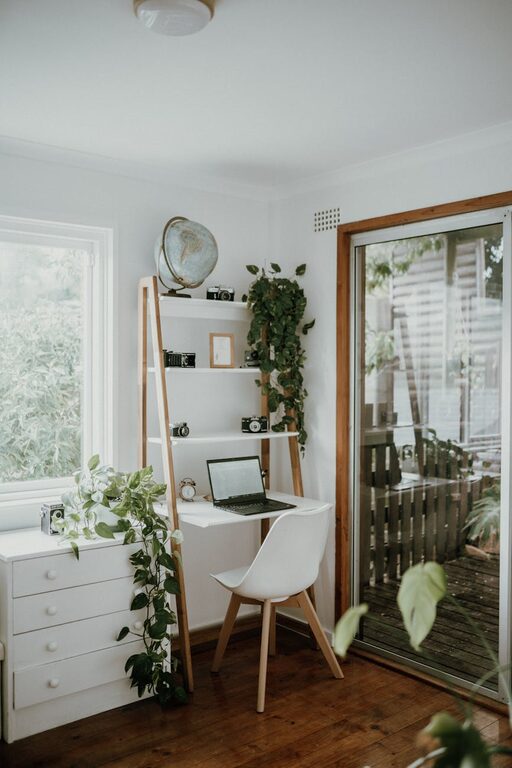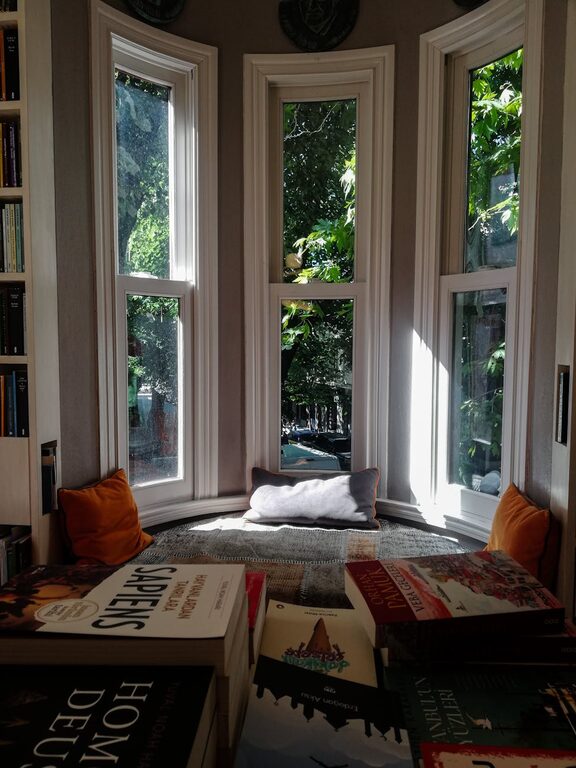
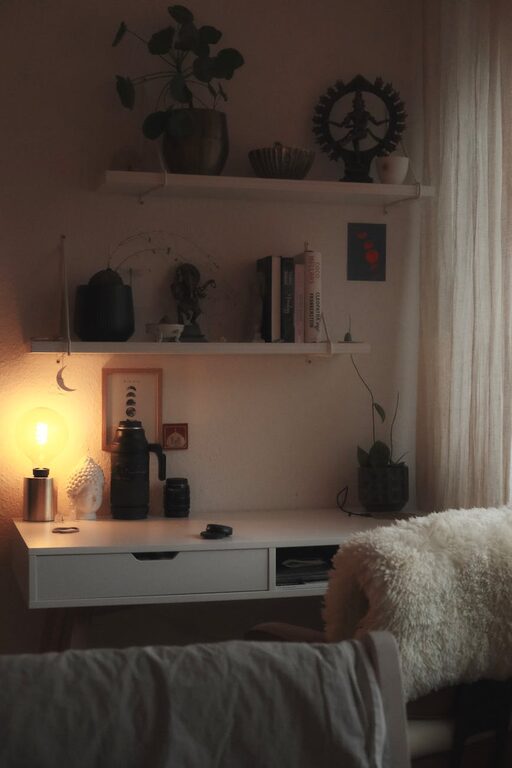
Creating a home office that balances comfort and productivity is key to making remote work enjoyable and efficient. Whether you’re setting up a new workspace or enhancing an existing one, small changes can have a big impact. This guide will walk you through essential tips to design a home office space that feels cozy and helps you focus.
Why a Cozy and Productive Workspace Matters
Working from home has become a norm for many, making the environment where you spend your work hours crucial. A well-designed home office not only improves concentration but also supports well-being by reducing stress. When your workspace feels inviting and functional, you’re more likely to stay motivated and manage your tasks effectively.
Choose the Right Location
Start by selecting a spot in your home that suits your work style and needs.
– Quiet and Separate: Ideally, pick a room or corner away from high traffic areas to limit distractions.
– Natural Light: Position your desk near windows if possible. Natural light can boost mood and energy.
– Space for Movement: Make sure there’s enough room to move comfortably and add necessary furniture or equipment.
Focus on Ergonomics
Comfortable furniture is crucial for long work hours.
– Supportive Chair: Invest in a chair with good back support to prevent discomfort and posture issues.
– Appropriate Desk Height: Your desk should allow your arms to rest at a natural angle.
– Monitor Position: The top of your screen should be at or slightly below eye level to avoid neck strain.
– Footrest: Consider a footrest if your feet don’t touch the floor comfortably.
Create an Inviting Atmosphere
Adding cozy elements helps reduce stress and makes the space pleasant.
– Soft Textiles: Incorporate cushions, a cozy rug, or a throw blanket.
– Personal Touches: Display photos, plants, or artwork that inspire you.
– Warm Lighting: Use desk lamps or candles for softer light during the evenings, avoiding harsh overhead lighting.
Organize Smartly
A clutter-free environment supports clearer thinking and higher productivity.
– Storage Solutions: Use shelves, drawers, or boxes to keep supplies and documents tidy.
– Cable Management: Use clips or sleeves to organize cords and chargers.
– Daily Declutter: Make a habit of tidying your workspace at the end of each day.
Use Technology Wisely
Technology should simplify your work, not complicate it.
– Reliable Equipment: Ensure your computer, printer, and internet connection are dependable.
– Noise-Canceling Headphones: These can help reduce background noise and improve concentration.
– Appropriate Software: Use apps for task management, note-taking, or communication to streamline your workflow.
Set Boundaries and Routine
Separating work from personal time enhances productivity and well-being.
– Work Hours: Define clear start and end times for your workday.
– Breaks: Schedule regular breaks for rest and stretching.
– Signaling Work Mode: Use cues like dressing up or a “do not disturb” sign to signal focus time.
Maintain Air Quality and Temperature
Comfort also depends on fresh air and a pleasant temperature.
– Ventilation: Open windows regularly or use an air purifier to keep the air fresh.
– Temperature Control: Adjust heating or cooling to maintain a comfortable environment.
Keep It Flexible
Your work needs may change over time; a flexible setup allows adaptation.
– Modular Furniture: Choose pieces that can be rearranged easily.
– Standing Desk Option: Consider a desk converter to alternate between sitting and standing.
– Multi-Purpose Space: Use a space that can serve as an office and relax area when work is done.
Final Thoughts
Creating a cozy and productive home office is about balancing comfort with functionality. By thoughtfully choosing your location, furniture, lighting, and organisation, you can build a workspace that invites focus and makes working from home a pleasure. Remember, the best home office reflects your personal preferences and work habits, so take your time customizing it to fit your unique needs.